
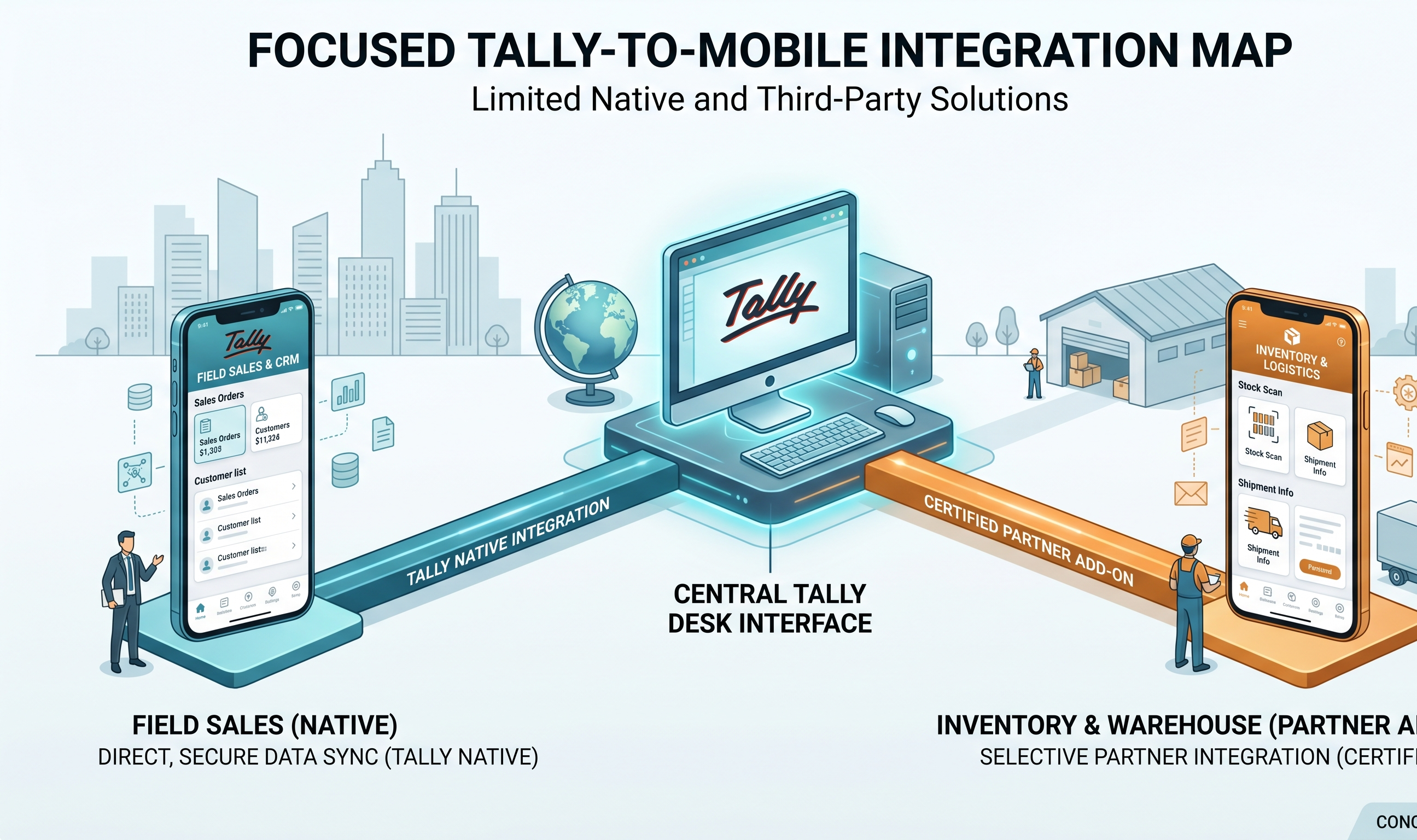
Key Highlights
- "Tally cloud" is not a Tally Solutions product; it is a category of third-party services that host Tally Prime on a cloud Windows desktop you access through remote-desktop clients
- Tally cloud solves always-on access and multi-location sync; it does not solve mobile-native operation or payment collection
- Most mid-sized distributors benefit more from a mobile companion app than from moving Tally to the cloud, because the bottleneck is where work starts, not where Tally sits
In This Article
- What tally cloud actually is
- Who publishes tally cloud services
- What tally cloud solves
- What tally cloud does not solve
- Tally cloud versus a mobile companion app
What tally cloud actually is
Tally Prime is Windows desktop software. Tally Solutions, the company, does not publish a cloud-native version. So when an Indian distributor sees "tally cloud" on a website or in a reseller pitch, what is being sold is almost always one of two things.
Option 1: Tally hosted on a cloud Windows VM. A third-party provider like NetForChoice, Tally on AWS, Tally on Azure, or a Tally Certified Partner spins up a Windows Server instance, installs Tally Prime on it, and you access it through a remote-desktop client — RDP, Parallels, TSplus, or similar. The Tally licence is usually a multi-user Gold licence that the provider or you maintain. The Tally data file sits on the cloud VM, not in your office.
Option 2: Tally synced to cloud-based analytics dashboards. Apps like EasyReports, Power BI connectors for Tally, or Tally Data Cloud by third parties pull data out of Tally and into a reporting layer. Your Tally still runs on a local PC. The cloud only holds a mirror of the reports.
When a distributor says "I want Tally cloud," 90% of the time they mean Option 1.
Who publishes tally cloud services
The market has four rough categories of providers.
Hyperscale cloud resellers. NetForChoice, Infoloom, Arzzov, Net2Phone — hosting specialists who run Tally on their own cloud Windows infrastructure. Pricing ₹500 to ₹1,500 per user per month.
Tally Certified Partners with hosting bundled. Many of the 28,000-plus Tally partners offer hosting as an add-on to licence resale. Pricing overlaps with hyperscale but support quality varies widely.
Direct AWS or Azure setups. A distributor's own Tally partner spins up the Windows instance on the distributor's AWS or Azure account. More control, more setup overhead, similar monthly cost when you account for compute, Windows licensing, and the Tally Multi-User Gold licence.
In-house IT teams running Windows Server + Tally. Bigger distributors (₹30 crore+) who already have an IT team just run Tally on their own always-on Windows Server. Technically not "cloud" but functionally similar.
What tally cloud solves
Always-on access. The office PC no longer has to stay on overnight or when the accountant is on leave. The Tally instance runs 24/7.
Multi-location sync without Tally Data Synchronisation. Tally natively supports multi-location data syncing, but it is fragile and needs careful configuration. Hosting Tally in one place and having multiple branches log into it remotely is simpler.
Backup and disaster recovery. Cloud providers snapshot the VM and the Tally data file nightly. If a laptop gets stolen or a motherboard dies, the Tally instance is untouched.
CA access. Your Chartered Accountant logs into the cloud Tally directly instead of you sending zip files of the data via email or pen drive every month.
What tally cloud does not solve
This is where most distributors get sold the wrong thing.
Tally cloud does not make Tally mobile-native. You are still driving a Windows desktop through a remote-desktop client. Every field is still tiny on a phone. Every menu is still keyboard-driven. A salesman at a retailer's shop will not realistically create an invoice through RDP on a 6-inch screen.
Tally cloud does not handle collections. Payment links, WhatsApp reminders, UTR auto-reconciliation — none of these are Tally features. They are companion-app features. Hosting Tally in the cloud adds none of them.
Tally cloud does not generate e-invoices or e-way bills faster. The IRN and EWB round-trips take the same time whether your Tally sits on a local PC or a cloud VM. What they need is a Tally-connected mobile app, not a different place for Tally to live.
Tally cloud does not reduce training needs. The interface is identical. The Alt+Z shortcuts still only exist on a physical keyboard.
Tally cloud versus a mobile companion app
| What you are solving | Tally cloud | Mobile companion app |
|---|---|---|
| Tally machine stays on 24/7 | Yes | Requires your PC to stay on, unless you also cloud-host |
| Accountant works from home | Yes, via RDP | Yes, via the app |
| Salesman creates invoice at retailer's shop | Painful (RDP on phone) | Clean, native |
| UPI collections on every invoice | No | Yes on full-stack apps |
| WhatsApp reminder cadence | No | Yes on full-stack apps |
| E-invoice and e-way bill from field | No | Yes on full-stack apps |
| Auto-reconcile UTR into Tally | No | Yes on full-stack apps |
| Typical cost (₹/user/year) | 6,000 to 18,000 | 2,000 to 7,500 |
A Dibrugarh FMCG distributor we know moved to Tally cloud in 2023, kept running the 9 PM reconciliation session, and still had salesmen calling the accountant every time they closed a deal. A year later they added a mobile companion app on top of their cloud Tally. The cloud solved accountant-from-home; the companion app solved salesman-from-field and receipts-in-real-time.
Tally cloud and a mobile app are complementary, not alternatives. If you are choosing between them on a budget constraint, start with the mobile app. It solves where work actually starts.
What Takkada is, in one sentence
Takkada is a mobile-first companion platform that works with your Tally Prime install — whether it runs on an office PC or on a cloud VM — and gives your team invoicing, UPI collections, WhatsApp reminders, and e-invoice plus e-way bill from the phone.
Frequently Asked Questions
Q: Does Tally Solutions have its own cloud product?
A: No. Tally Prime is a Windows desktop product. All "tally cloud" offerings are third-party hosting services that run Tally on a cloud Windows VM you access via remote desktop.
Q: Is tally cloud worth it for a ₹10 crore distributor?
A: If your accountant already works from the office and your PC is reasonably reliable, the answer is usually no — a mobile companion app solves more of the real bottleneck at lower cost. Tally cloud becomes genuinely useful at the ₹25 crore+ scale where multi-branch sync, always-on access, and formal CA collaboration matter more.
Q: Can I use a Tally mobile app with a tally cloud setup?
A: Yes. Companion apps connect to Tally via the XML gateway, which works the same whether Tally runs on your office PC or a cloud Windows VM. The cloud provider just needs to allow the API port.
Q: Is my data safer on tally cloud than on a local PC?
A: It depends on the provider. Reputable hosts keep data in AWS Mumbai or similar Indian regions, snapshot nightly, and provide audit logs. Cheaper hosts may not. Ask for specifics on region, backup frequency, and what happens when you end the contract.
Q: What happens to the Tally licence in a cloud setup?
A: Tally Single User licences are tied to the physical machine they were activated on, and cannot legally be moved to a cloud VM. Multi-User or Gold licences support cloud hosting. Your Tally partner will help you upgrade the licence if needed before moving.
Internal Links
- Tally on Mobile: What Works and What Breaks
- Tally Prime Mobile App: What Exists, What Does Not
- Auto Reconciliation Tally: The Full Mechanic
Takkada helps Indian distributors using Tally — whether on a local PC or in the cloud — collect payments, send WhatsApp reminders, and generate e-invoices, all from mobile. Book a free demo.