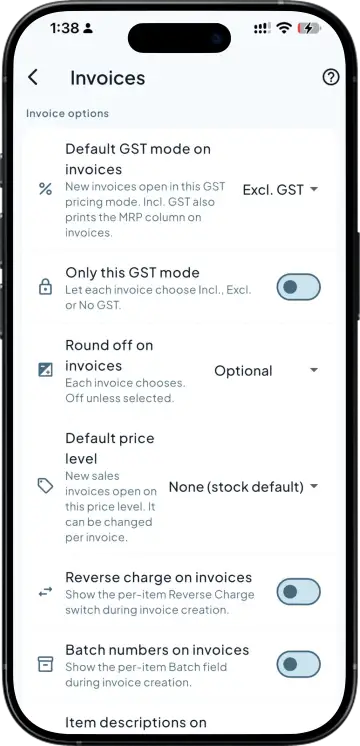
Your format, not a default one
Logo, business details, terms and the layout your customers already recognise from the bills you print in the office.

Customise your invoice layout to match your business needs. Choose how your invoice looks and share a clear, professional copy with your customers.
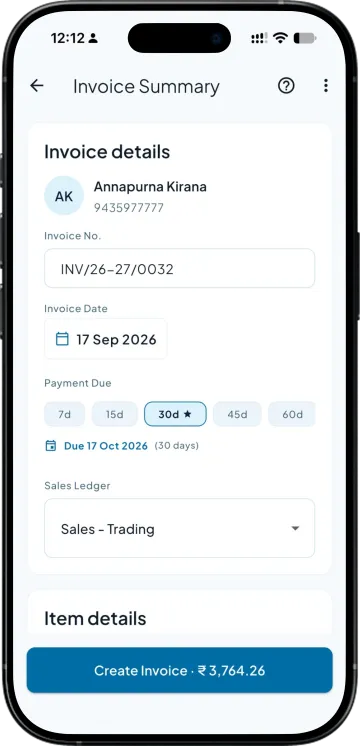
Logo, business details, terms and the layout your customers already recognise from the bills you print in the office.
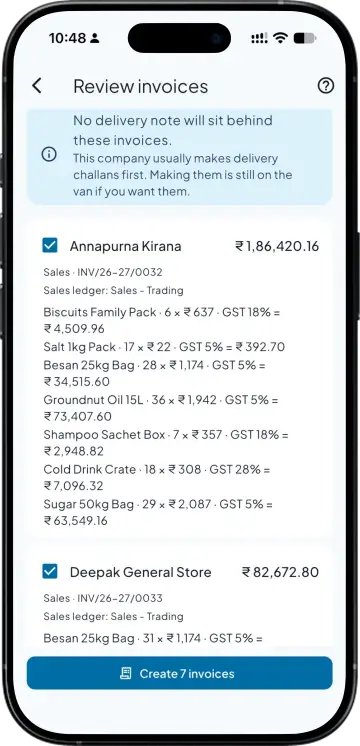
Items, quantities, rates and GST come from the voucher in your Tally, so the PDF and your books say the same thing.
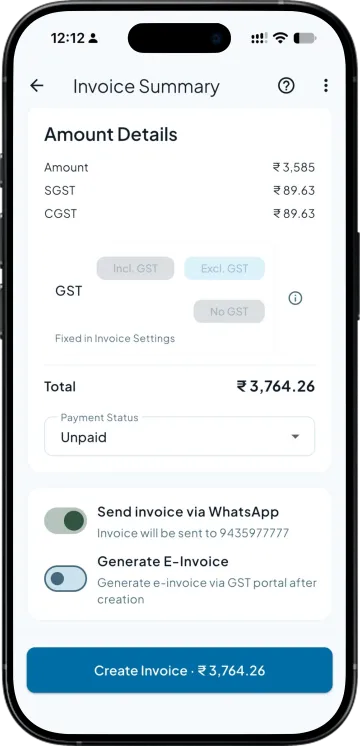
The retailer does not have to ask where to send money. Where payment collection is on, a pay-now link goes with the PDF as well.
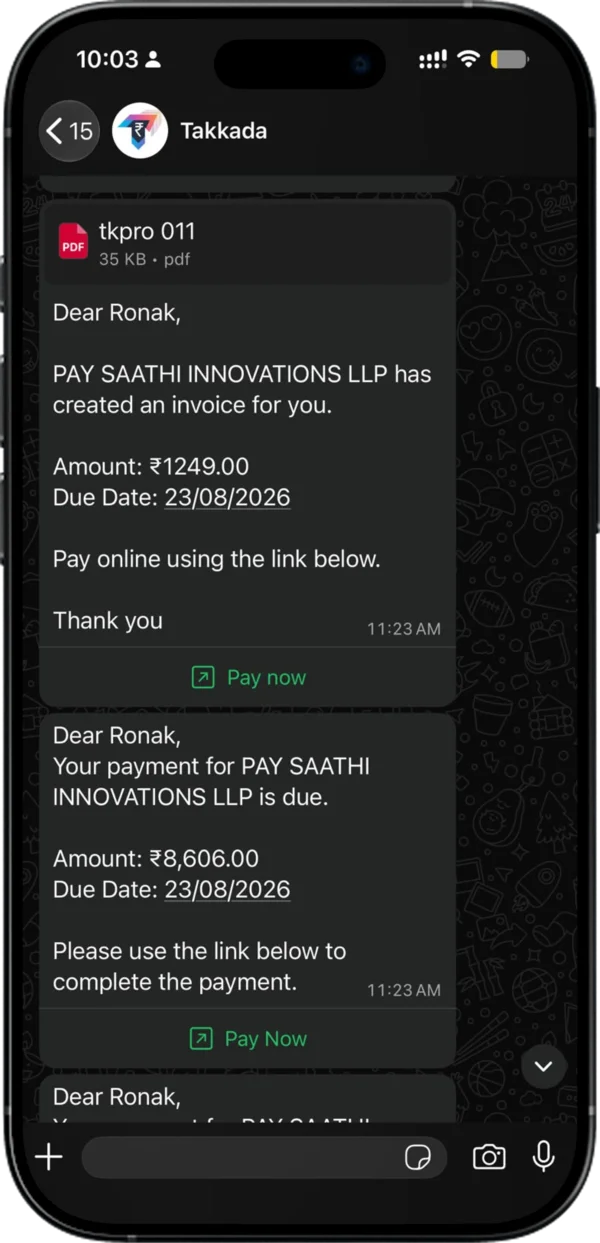
Within seconds of the invoice being saved, on the number he actually reads. Auto dispatch can send every invoice this way without anyone pressing send, from Takkada's number or from your own WhatsApp number with a paid add-on.
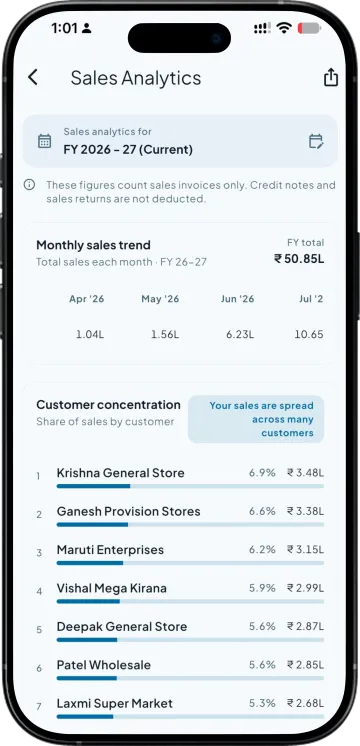
The sales register by month with totals and counts, so you can see the billing that actually left the building rather than what you assume did.
| What you need | Takkada | Other Tally mobile apps |
|---|---|---|
| The format the customer receives | Your own template, with your logo and terms | Often a fixed app format |
| Bank and UPI details on the bill | On the PDF, with a pay-now link where collection is on | Usually static text, if present |
| How it reaches the retailer | WhatsApp, within seconds of the invoice being saved | Manual share, or email |
| Sending every invoice without pressing send | Auto dispatch on save, from Takkada's number or your own (paid add-on) | Usually manual |
| Where the numbers come from | The voucher in your Tally | Sometimes a copy held in the app |
Checked on 8 August 2026 against the two Tally mobile apps distributors most often weigh against Takkada. We re-check this every fortnight, because their products move.
The custom invoice PDF template starts at this plan. Auto invoice dispatch comes in with Assurance and sends from Takkada's number, or from your own WhatsApp number with a paid add-on.
Momentum ₹3,375/year + GST on a 3-year term
See what every plan includesYes. The template carries your logo, business details, terms and the layout your customers already know from the bills you print. The bill that lands on a retailer phone is often the only thing he sees from you in a week, so it reading as your business rather than as a generic app matters more than it sounds.
Yes, they sit on the template, so the retailer never has to ask where to send the money. If payment collection is switched on for your business, a pay-now link goes with the PDF as well, and the receipt then posts into your Tally against the invoices it settles.
The items, quantities, rates and tax come from the voucher in your Tally, so the customer copy and your books cannot drift apart. This is the failure worth avoiding, because a PDF built from a separate copy held inside an app is how a retailer ends up holding a bill your ledger does not recognise.
Yes, with auto invoice dispatch switched on. It sends from Takkada's WhatsApp number, or from your own number with a paid add-on. Each invoice is sent to the party on WhatsApp as it is saved, without anyone pressing send. Without it you still share the PDF by hand from the app in a tap, which most distributors start with before turning the automatic dispatch on for the whole book.
The template is set up for your business rather than edited by you screen by screen, so tell us the format you print today and it gets matched. Distributors usually want their letterhead, their terms and their bank block in the places their customers are used to, and that is what the setup covers.
Book a demo. We walk through your setup, your Tally version, and exactly what changes for your business.