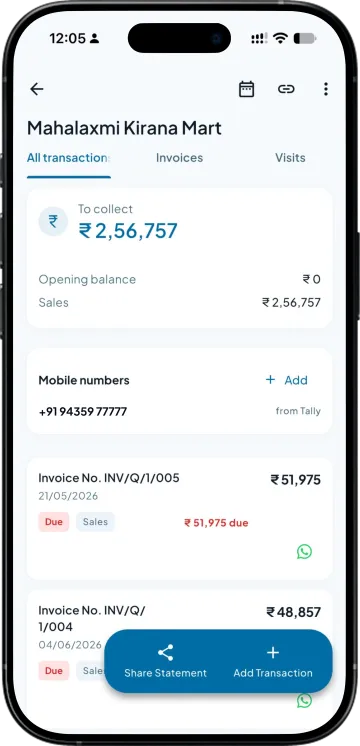
Open the party, see the entries
Every invoice, receipt and note against that retailer, in order, read from your Tally. This is the same ledger your accountant is looking at on the desktop.

Send customers their ledger statements on WhatsApp without downloading and sharing files manually. Help them check outstanding balances, payments and transaction details easily.
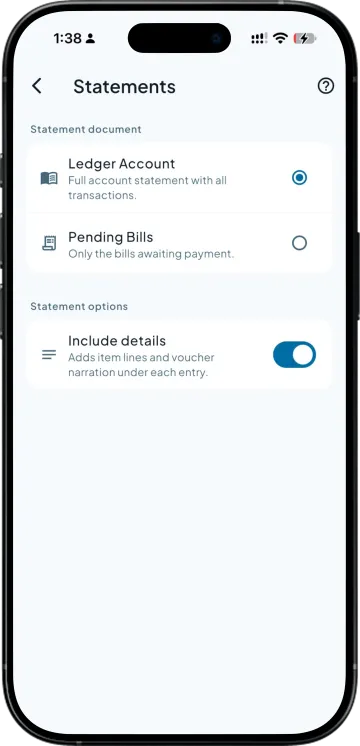
Every invoice, receipt and note against that retailer, in order, read from your Tally. This is the same ledger your accountant is looking at on the desktop.
Any date range, not just the current year. When a retailer disputes an entry from two seasons ago, you send that window rather than the whole book.
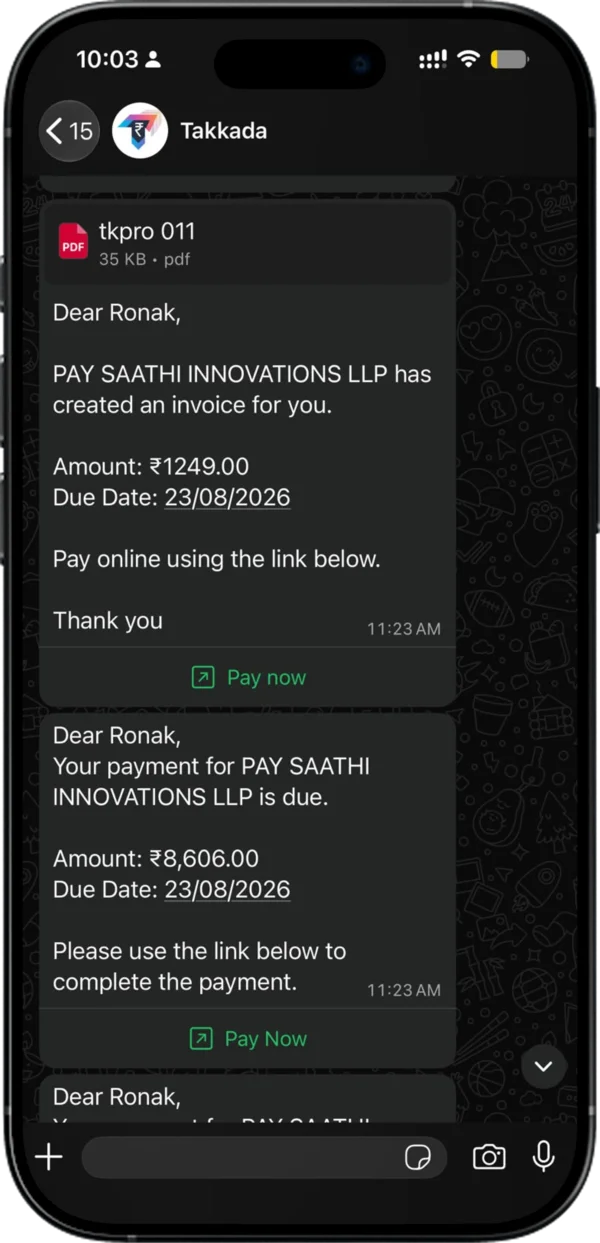
It reaches the number he actually reads, with your business name on it. He can open it in the shop, on the road, at ten at night, and check it against his own book.
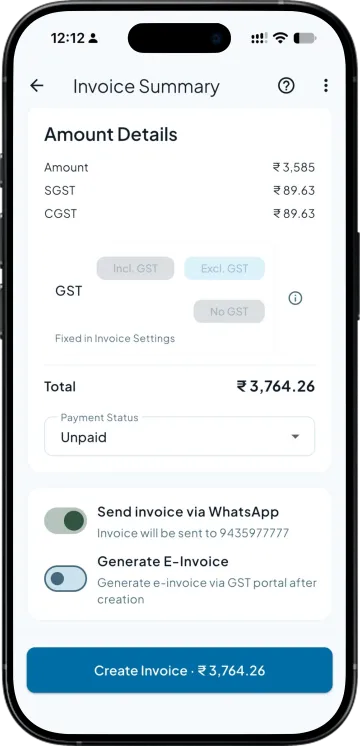
Once he agrees the balance, there is nothing left to arrange. He pays from the same message by UPI, at 0% MDR, with no transaction cap and no monthly fee.
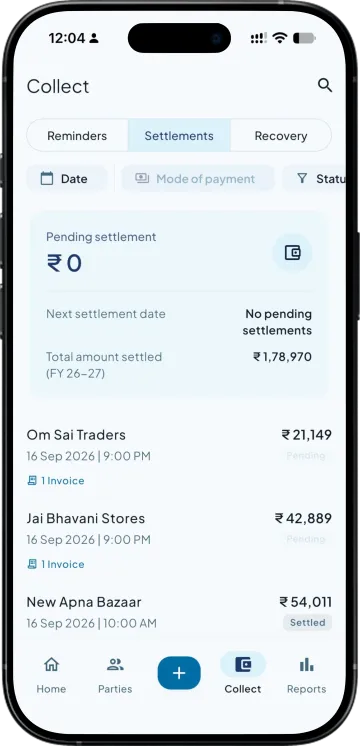
His payment posts into your Tally against the invoices it settles, so the statement you send next month already reflects it.
| What you need | Takkada | Other Tally mobile apps |
|---|---|---|
| Period you can send | Any date range, including closed years | Often the current period only |
| Where the PDF is generated | From your Tally ledger, on demand | Also from Tally, though sometimes from a cached copy |
| Collecting on the statement you just sent | Payment link on the same message at 0% MDR, no transaction cap, no monthly fee | Statement only, collection arranged separately |
| Letting the buyer pick which bills to clear | He selects the invoices and the receipt splits across them | A single lump payment you match by hand |
| Sending from your own WhatsApp Business number | Available as a paid add-on | Usually a shared sender |
Checked on 8 August 2026 against the two Tally mobile apps distributors most often weigh against Takkada. We re-check this every fortnight, because their products move.
Ledger and invoice share is in the entry plan. Payment collection is an add-on available on every plan.
Momentum ₹3,375/year + GST on a 3-year term
See what every plan includesOpen the party in the app, choose the period you want, and send. The statement is generated from your Tally ledger as a PDF and goes out on WhatsApp to the number saved against that party. You do not need to be at the office or have anyone export it for you, so a balance question raised in the market gets answered in the market.
Yes. You pick the date range, including windows from earlier financial years, as long as that data is in the Tally company you are connected to. This is the version distributors use most, because the entry a retailer disputes is usually an old one rather than something from this month.
If payment collection is switched on for your business, a pay-now link goes with the statement. He settles by UPI from the same message, and you receive it at zero MDR with no transaction cap and no monthly fee. The receipt then posts into your Tally against the invoices it clears.
Shared by hand, it goes from the WhatsApp on your phone, free. Sent automatically, it goes from Takkada's WhatsApp number, or from your own WhatsApp Business number with a paid add-on. Distributors ask for it because a message from a number the retailer already has saved gets opened, and an unknown sender often does not.
No. Generating and sending a ledger is a read. Nothing is written back, no voucher is created and no balance is touched. The only entries the app writes into your Tally are the ones you deliberately create, such as a receipt when the retailer pays or an invoice when you raise one.
Book a demo. We walk through your setup, your Tally version, and exactly what changes for your business.