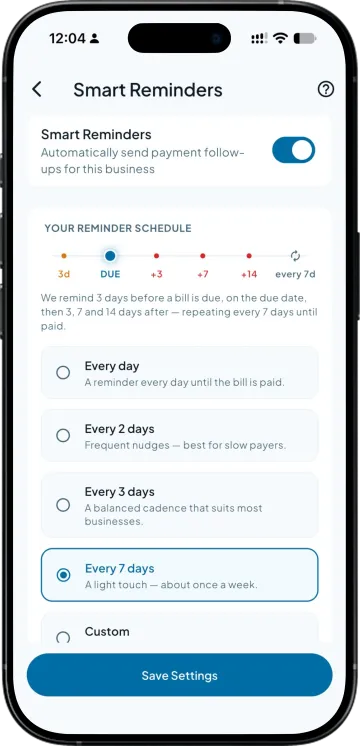
A schedule, not a blast
Steps that run before the due date as a nudge and after it as a follow-up. The retailer hears from you at the moment it changes what he does, rather than on the day you happened to remember him.

Set up automatic reminders for customers with pending payments. Takkada helps you follow up at the right time, so you spend less time chasing payments and more time managing your business.
Steps that run before the due date as a nudge and after it as a follow-up. The retailer hears from you at the moment it changes what he does, rather than on the day you happened to remember him.
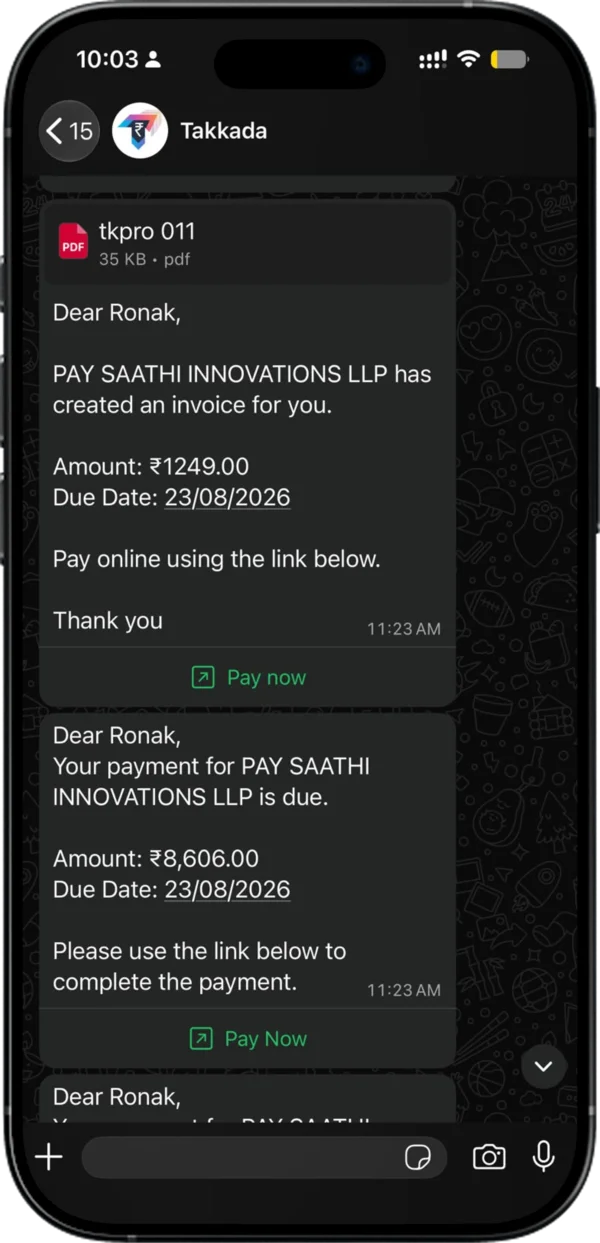
Each reminder goes out on WhatsApp with the invoice attached, so there is no reply asking which bill you mean and no screenshot to hunt for.
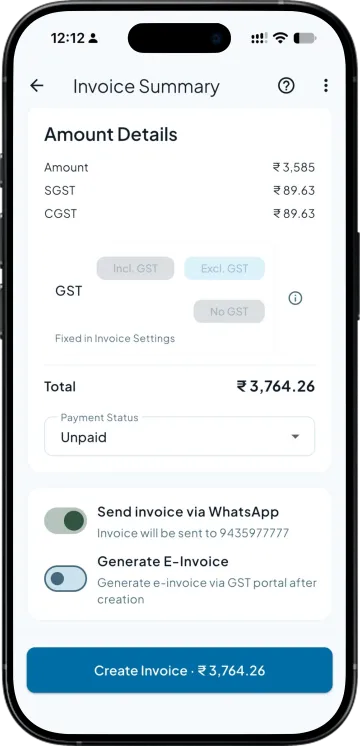
A pay-now link sits in the message at 0% MDR, with no transaction cap and no monthly fee. The gap between deciding to pay and actually paying is where most collections are lost.
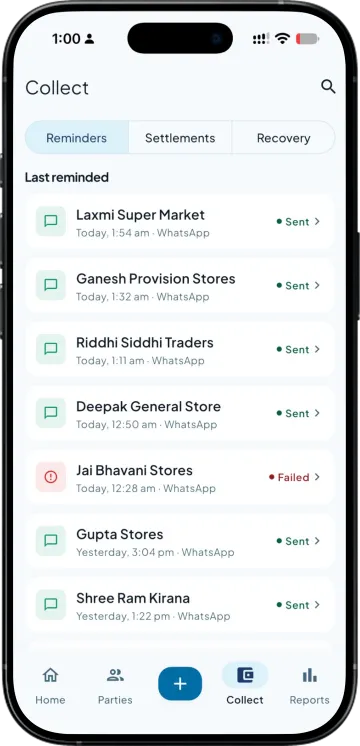
You set how often any one party can be messaged. A retailer who is chased daily stops reading you altogether, which costs more than the bill you were chasing.
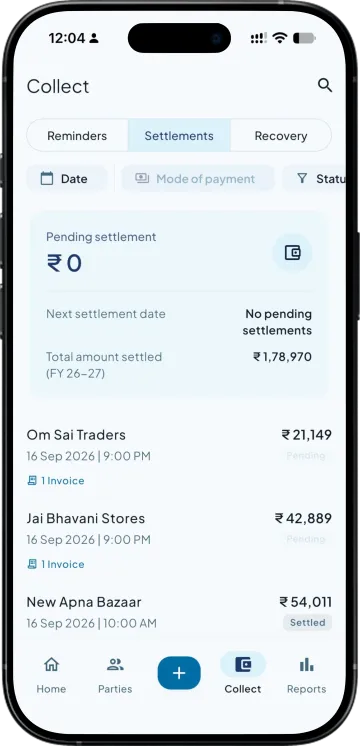
When the receipt lands in your Tally, the invoice drops out of the schedule. Nobody gets chased for money they have already sent, which is the mistake that ends the goodwill fastest.
| What you need | Takkada | Other Tally mobile apps |
|---|---|---|
| When reminders go out | Scheduled steps before and after the due date | Often a single manual send |
| What the message carries | The invoice PDF and a payment link | Usually text and an amount |
| Protecting the party from over-messaging | A cap per party that you set | Rarely capped |
| Stopping reminders on paid bills | Drops out automatically once the receipt is in Tally | Depends on you updating the list |
| Who the message appears to come from | Takkada's number, or your own WhatsApp Business number as a paid add-on | Usually a shared sender only |
Checked on 8 August 2026 against the two Tally mobile apps distributors most often weigh against Takkada. We re-check this every fortnight, because their products move.
Automated WhatsApp reminders go out from Takkada's number, or from your own number with a paid add-on. Payment collection is also an add-on, available on every plan.
Momentum ₹3,375/year + GST on a 3-year term
See what every plan includesPut the routine chasing on a schedule and keep your calls for the parties that need one. Reminders go out from your open Tally invoices before and after the due date, each carrying the bill and a way to pay. Most retailers settle on a message, so the calling list shrinks to the genuinely difficult accounts.
From the open invoices in your own Tally, not a list you maintain separately. When a bill is raised it enters the schedule, and when the receipt is recorded it leaves. That is what keeps a retailer who paid last week from being chased this week, which is the failure that makes people switch reminders off.
You control the frequency. Each party has a cap on how often it can be messaged, and the schedule is built around the due date rather than firing at everyone at once. A reminder that arrives twice with the bill attached reads as a business following up. One that arrives daily reads as harassment and gets muted.
Yes, if payment collection is switched on for your business. The message carries a UPI pay-now link, and you receive the money at zero MDR with no transaction cap and no monthly fee. The receipt then posts into your Tally against the invoices it settles, so the ledger closes itself.
Yes, with your own WhatsApp Business number, a paid add-on. Without it, automatic reminders go out from Takkada's WhatsApp number. Your own number matters more than it sounds, because a retailer opens a message from a number he already has saved and often ignores an unknown sender. Without it you can still share a reminder by hand from your phone.
Book a demo. We walk through your setup, your Tally version, and exactly what changes for your business.